How to organize tasks without drowning
How to organize tasks with lists, priorities, and a simple board — plus select-to-share when work becomes multiplayer.
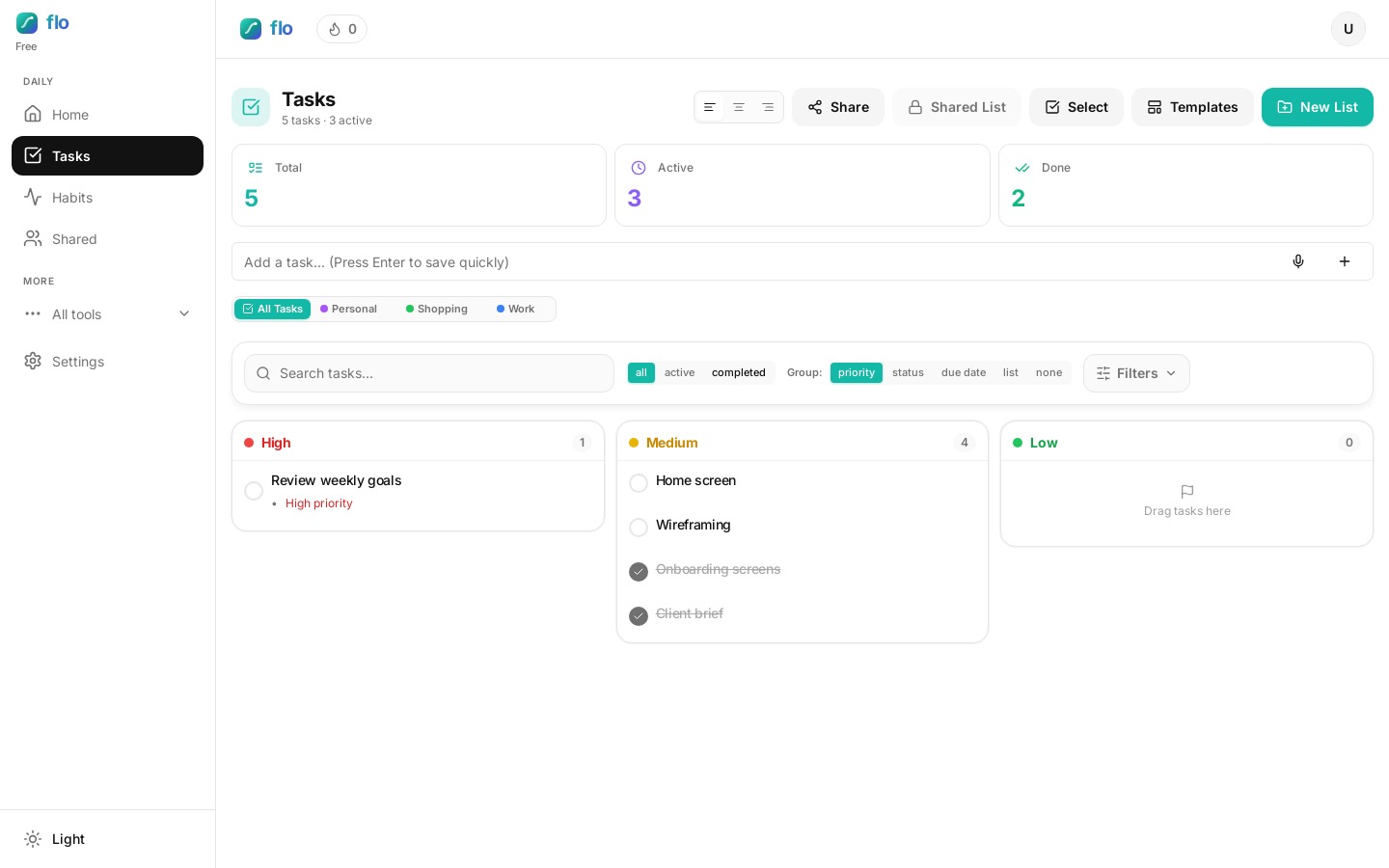
If you have ever searched how to organize tasks and ended up with twelve folders you never open, the problem was structure — not motivation. Most task apps fail because everything looks equally important.
flo’s Tasks view stays simple on purpose: lists for context, priorities for urgency, and a board for flow. This is the same task board setup product teams use in tools like Linear — adapted for personal and small-team work. Watch the clip, then copy the setup.
How to organize tasks with lists (not archives)
Create a handful of lists you actually open — Work, Personal, Errands. Avoid a new list for every project unless the project will last months. Filter by list when you sit down for a focused block.
Example: a freelancer might keep Client A, Client B, and Personal — not “Website redesign Q2” as a permanent list that dies after the launch.
Priorities that mean something
- High — must move today or it creates real pain.
- Medium — important this week.
- Low — nice to clear when energy is left.
If everything is High, nothing is. Cap yourself at a few High items per day. On the board, group by priority when you need an urgency map.
Task board setup: Not done → Doing → Done
Group by status when you want a mini Kanban. Move a card to Doing when you start it — that alone reduces the “too many open tabs” feeling. Done triggers the same completion celebration as the checkbox.
Add with intention
Use the Quick Add row. Toggle deadline / time / priority only when they change how you’ll work today. Example: add a deadline only if missing it costs money or trust.
Pick a group mode
Switch between priority, status, due date, or none. Don’t rebuild the whole system — just change the lens.
Share without losing originals
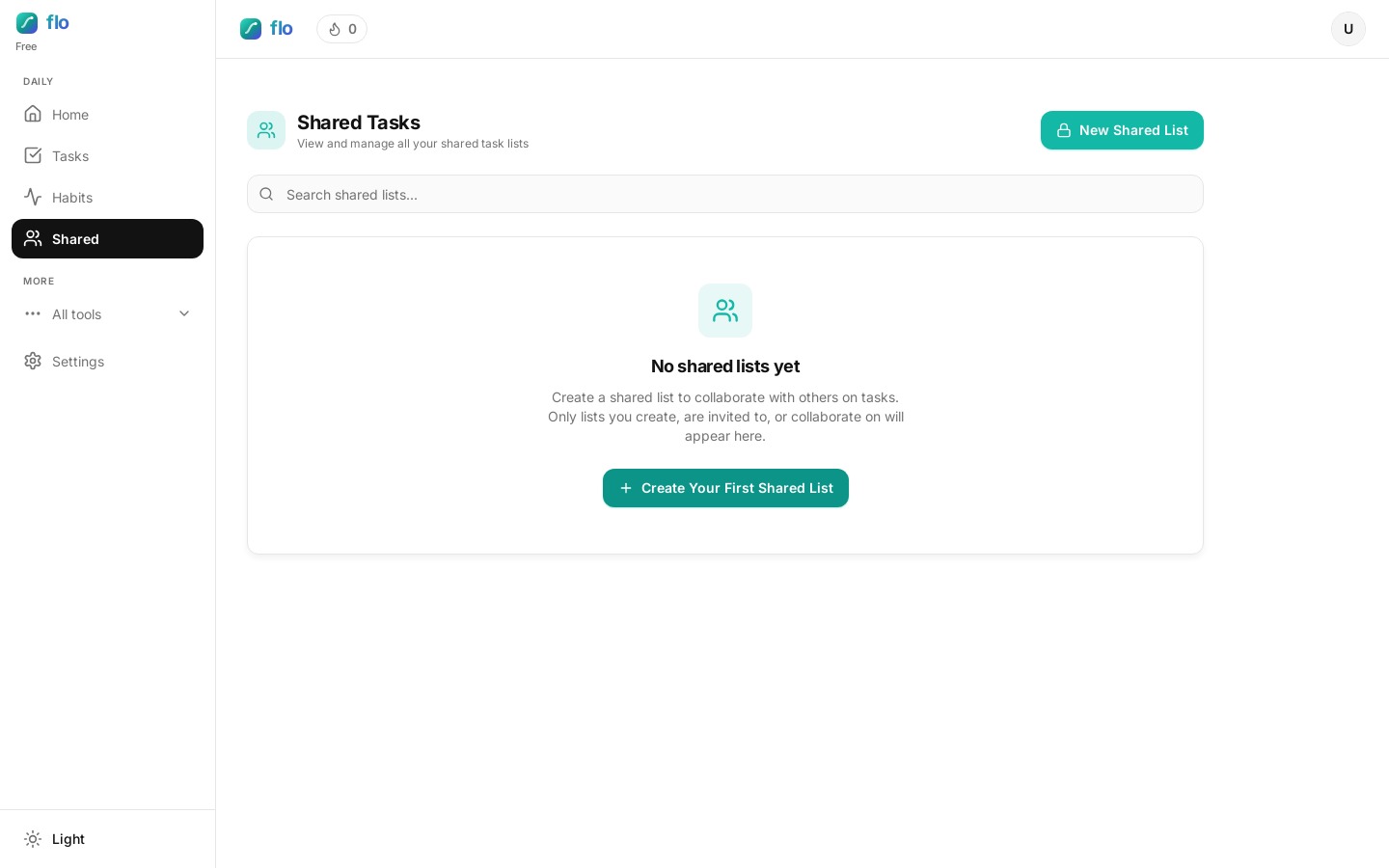
On Unlimited, use Select on Tasks to pick items (or share a whole personal list) into a shared list. flo copies the tasks — your personal originals stay put.
FAQ: organizing tasks without drowning
How many lists should I create?
Start with three or fewer. If a list has not been opened in two weeks, merge it. How to organize tasks well is mostly about fewer places to look.
Should I use a board or a flat list?
Use the board when you are mid-execution and need Doing vs Done. Use a flat list when you are capturing or triaging in the morning.
What belongs on a shared list?
Anything another person must update. Keep private triage on personal lists so your board stays readable.