How to manage daily tasks (and recurring work)
How to manage daily tasks and a recurring daily task list that resets on a schedule — 24 hours, weekly, or a custom interval on Pro+.
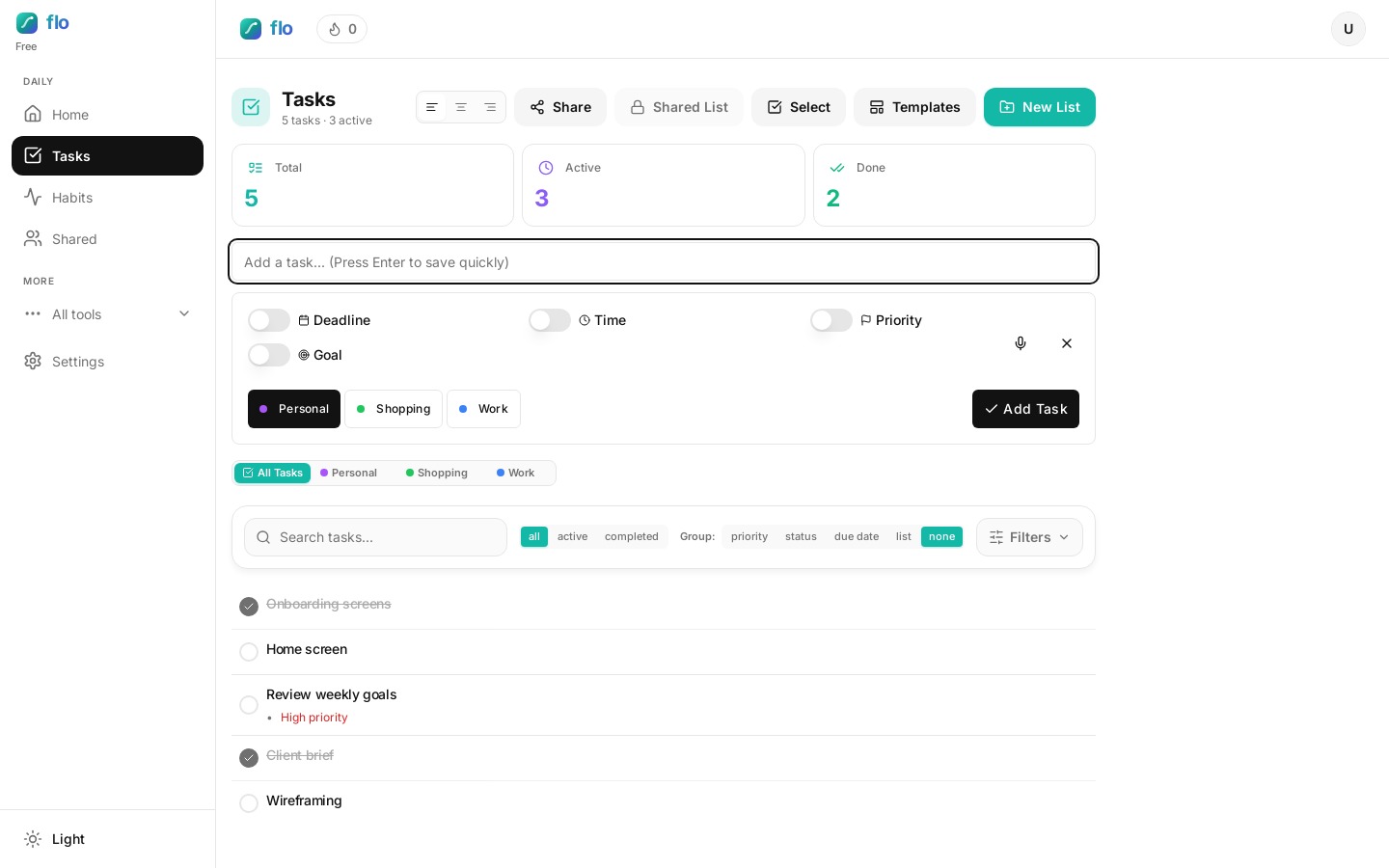
Learning how to manage daily tasks means separating one-off work from work that should return on a schedule. Inbox zero, stretch, review yesterday’s notes — these should reappear without you rewriting them every morning.
Daily Tasks in flo sit next to your normal tasks so a recurring daily task list does not live in a habit app you forget to open. Watch the tutorial, then set your first interval.
Who can use Daily Tasks
Daily Tasks unlock on Pro (~$6/month) and stay available on Unlimited and Team. Free users see the toggle with a clear upgrade path — the server also rejects enabling Daily Tasks without a qualifying plan.
Open or create a task
In Tasks, open the task form. You’ll see the Daily task toggle beside the usual fields. Example: open “Clear inbox” and enable Daily instead of recreating it every morning.
Enable Daily and pick an interval
Choose 24 hours, 2 days, 3 days, weekly, or a custom number of days. Save. Complete it as usual when you’re done for this cycle.
Let reset do the nagging
When you complete a daily, flo records the time and schedules the next reset. After the interval, it flips back to incomplete so it shows up in Active again. Example: finish “Weekly money review” on Sunday; it returns next Sunday without a calendar reminder hunt.
Which interval to pick for recurring work
- 24 hours — classic daily checklist items.
- Every 2–3 days — reviews that should not nag daily.
- Weekly — recurring admin that still belongs with tasks.
FAQ: managing daily and recurring tasks
How do I manage daily tasks without a separate habit app?
Keep repeating checklist items on the same board as one-off work. flo’s Daily Tasks reset on an interval so your recurring daily task list stays visible in Active.
What should never be a Daily Task?
One-off projects, big deliverables, and vague goals. Those belong as normal tasks or Direction outcomes — not something that auto-resets forever.
Can Free users try Daily Tasks?
You will see the control, but enabling Daily Tasks requires Pro or higher. Upgrade when repeating work is the friction you hit every week.