Build a personal productivity system that sticks
Build a personal productivity system where shared lists, Growth, Direction, and reflection form one goals-and-tasks workflow — not scattered apps.
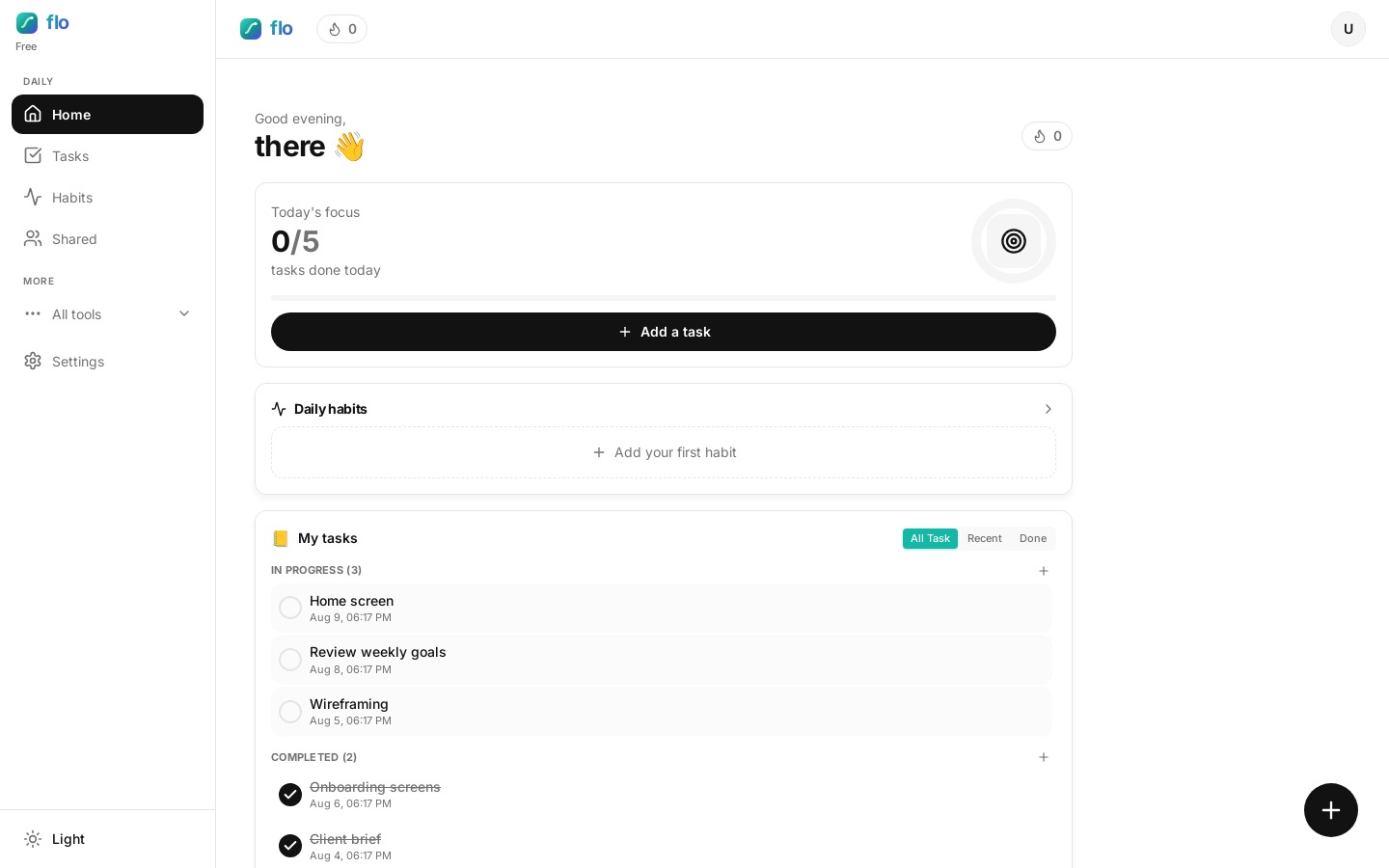
A personal productivity system fails when goals live in one app, tasks in another, and collaboration in a third chat thread. Self-learners, parents, coaches, and goal-setters all need the same spine: yearly intent, today’s actions, and a way to collaborate without losing the latest truth.
Here is how flo stitches that goals-and-tasks workflow together — with a product walkthrough you can copy.
Shared lists when work is multiplayer
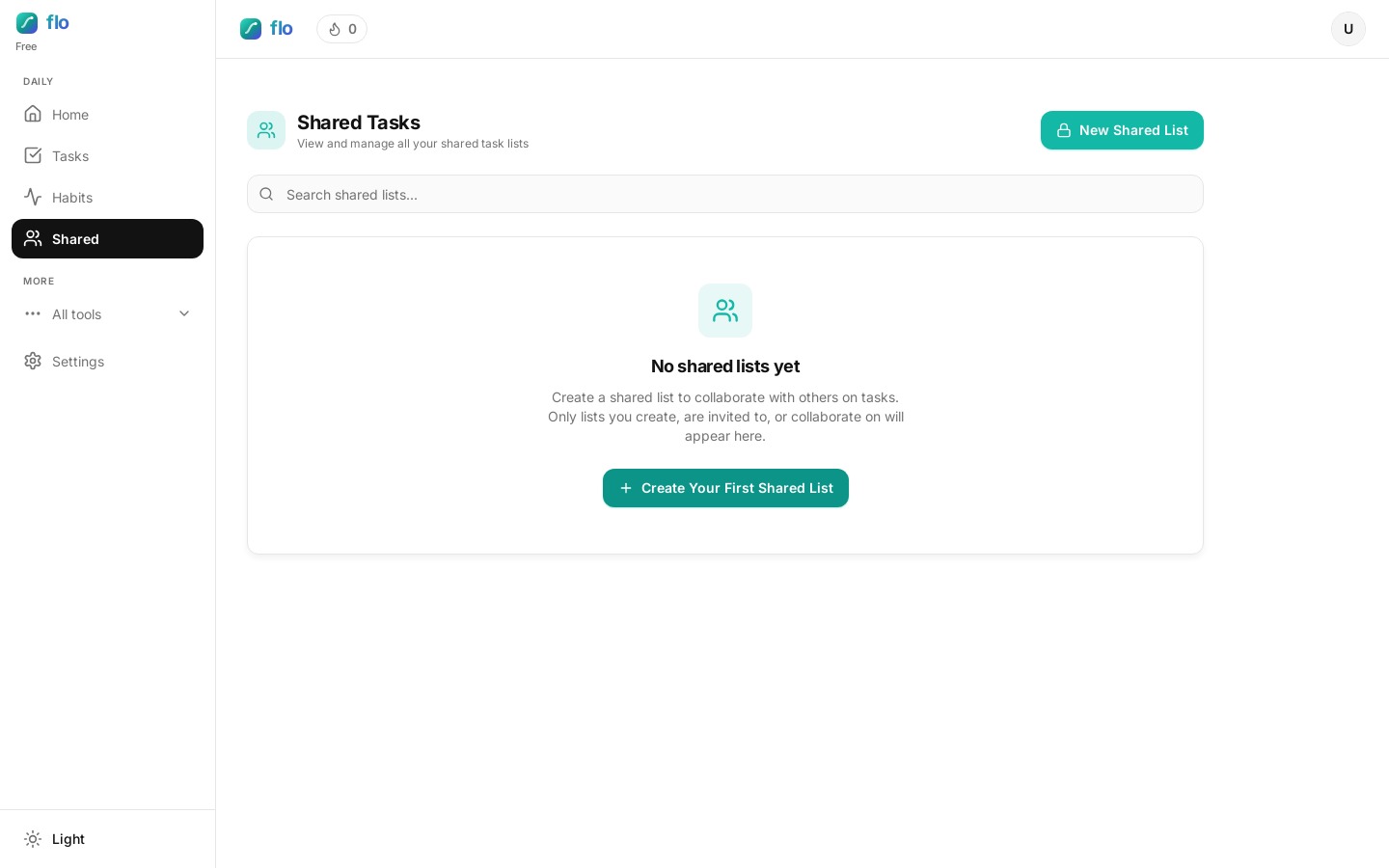
Create a shared list on Unlimited, invite with a link, and stay synced. Copy personal tasks in when something starts solo and later needs a partner. Collaborators on lower plans can still join with limits.
Example: you plan a family trip alone on a personal list, then copy the packing and bookings into a shared list so everyone updates the same checklist.
Growth + Direction + reflection
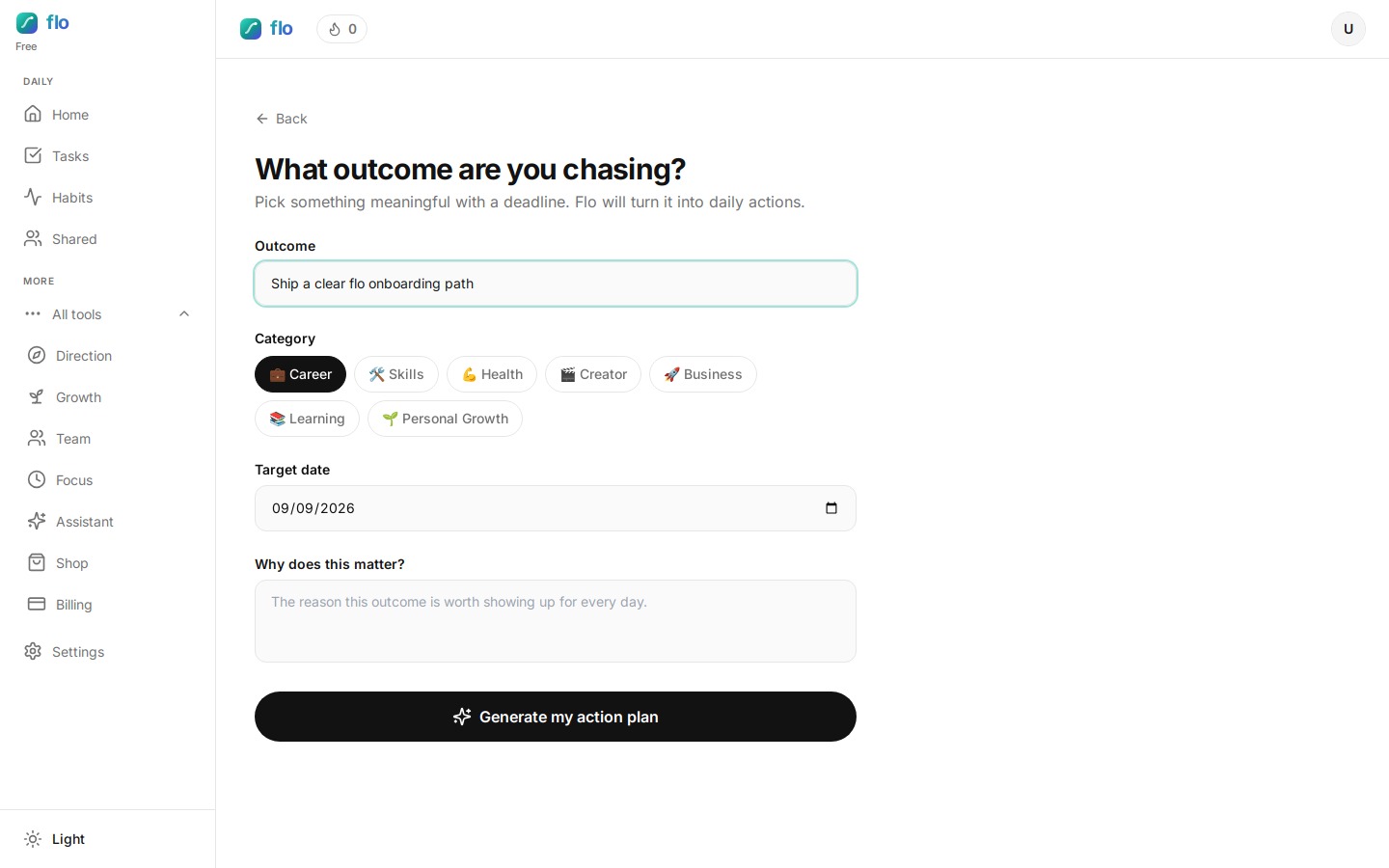
Growth maps the year. Direction turns outcomes into weighted daily habits. Diary and Direction reflections close the loop so you learn from the days you show up. That three-part loop is the core of a personal productivity system that still works in month six.
Pricing that matches the unlock
- Try Unlimited free for 24 hours (no card).
- Pro (~$6) adds capacity and Daily Tasks.
- Unlimited (~$15) adds shared-list ownership and uncapped scale.
FAQ: personal productivity systems
What belongs in a personal productivity system?
A place for yearly goals, a place for today’s tasks, a focus tool when you need it, and a light reflection habit. flo keeps those pieces in one product so the goals-and-tasks workflow does not fragment.
Do I need shared lists on day one?
Only if someone else must update the same work. Solo users can stay on personal Tasks, Growth, and Direction.
How do I know the system is sticking?
You reopen it tomorrow without rebuilding. If you are still reorganizing folders every Sunday, simplify until the daily loop fits in under fifteen minutes.